A program is more than a list of exercises
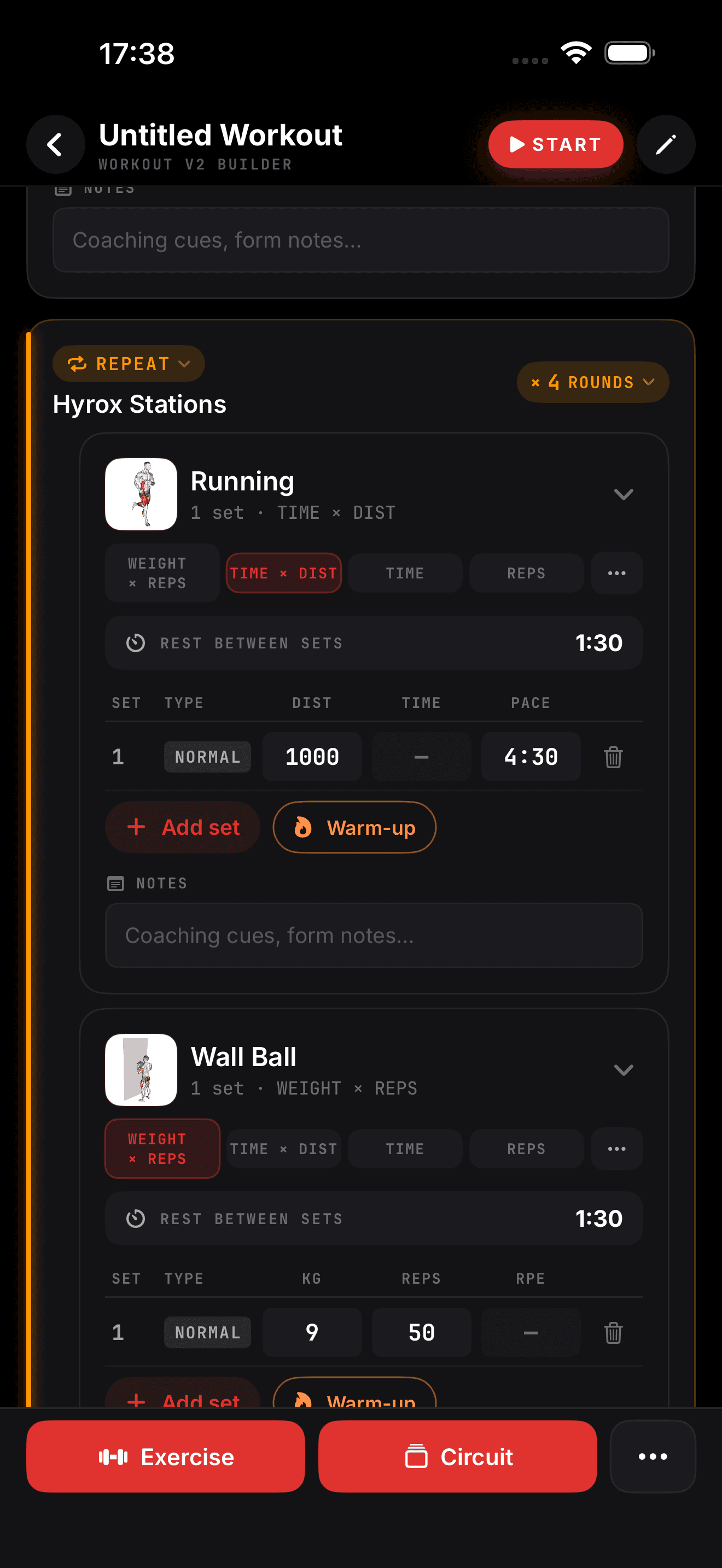
Good training has structure: a strength block, then a conditioning finisher. Supersets to save time. An EMOM on the minute. A 1 km run between two Hyrox stations. The builder in ZON is made for that structure, so what you write is exactly what you train.
How a program is organized
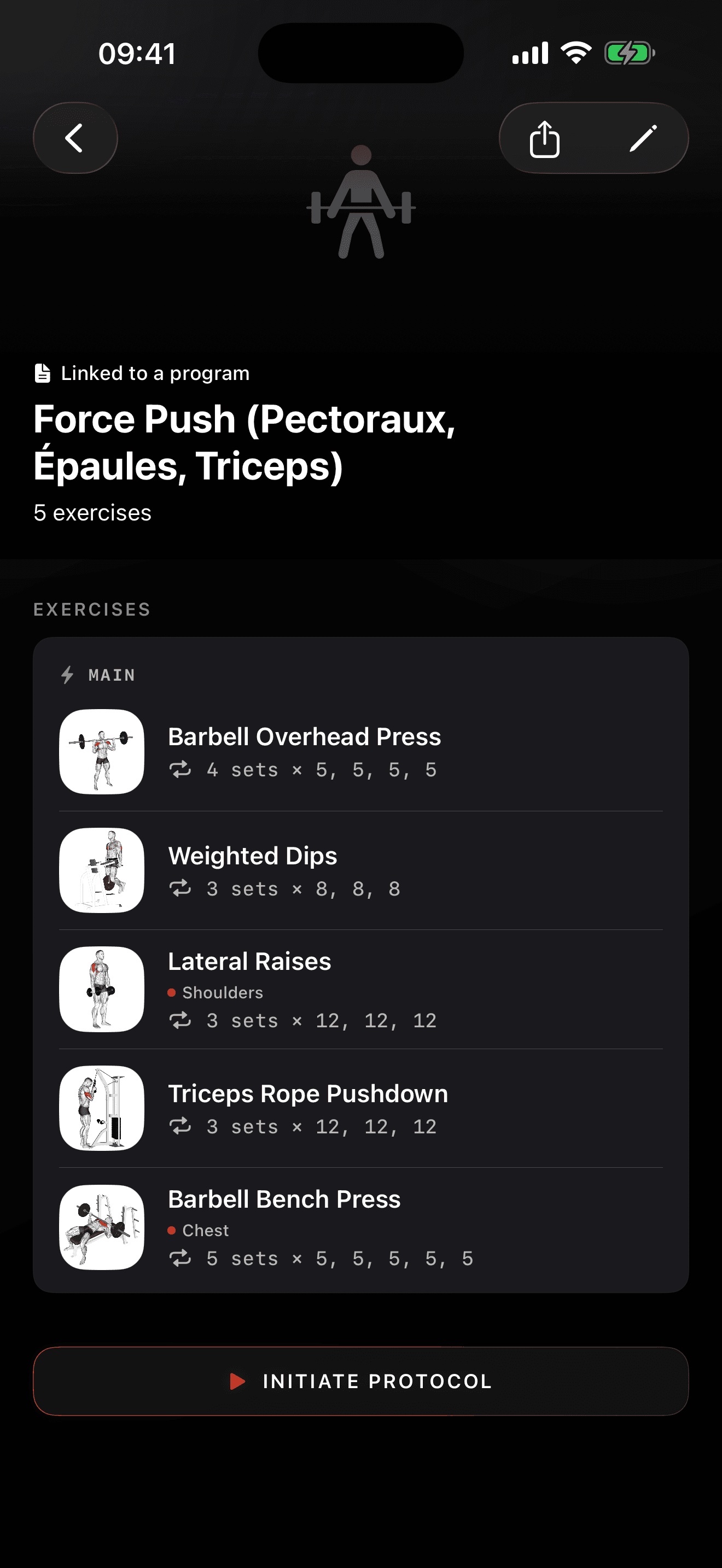
Program, weeks, sessions, blocks, exercises. Each level is simple to edit on your phone.
- Weeks and days: plan a full block, with lighter weeks where you want them
- Sessions: name them, order them, schedule them on the days you train
- Blocks: group exercises the way you actually perform them
Block formats
| Format | What it does in the workout player |
|---|---|
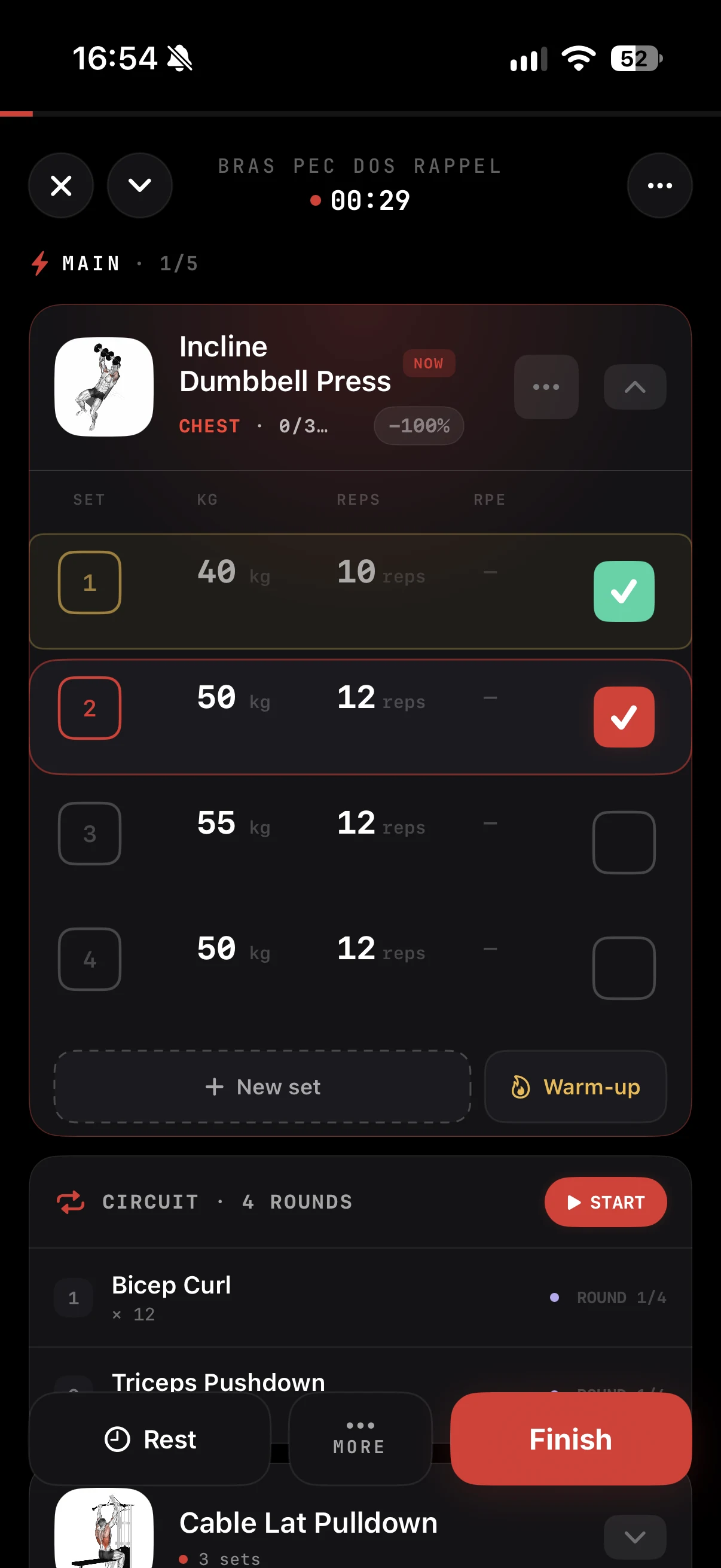
| Classic sets | Weight, reps and RPE logging with a rest timer |
| Superset or circuit | Rotates exercises for you, rest after the round |
| EMOM | Timer locked to the minute, advances automatically |
| Intervals | Work and rest repeats with a clear countdown |
| Run segment | Opens the GPS tracker with live pace |
| Hyrox stations | Stations and runs chained in one session |
Per exercise
Set targets for sets, reps, load and rest, and add notes such as tempo or technique reminders. Every exercise comes from the ZON library, with technique cues one tap away.
Reuse what works
Save a session as a workout and drop it into any program. Your standard warm-up, your main lift day, your Hyrox simulation: build it once, reuse it whenever you want. Routines give you a repeating weekly schedule without rebuilding anything.
Three ways to start
From scratch
Open the builder, add weeks and sessions, pick exercises. Fast on a phone, no spreadsheet needed.
From Magic Import
Already have a program in a PDF, a photo or a screenshot? Magic Import turns it into an editable ZON program, then you fine-tune it in the builder.
Generated by ZON Pro
With ZON Pro, the AI generates a full program from your profile: your goals, your training frequency, your recovery signals. You get a structured plan in seconds and keep full control to edit it like any other program.
Built to be trained, not just written
Everything you build runs in the workout player: pre-filled targets, rest timers that start on their own, sets logged in a tap. Each completed session feeds your history, your training load and your daily readiness score.
In the ZON app on iPhone. Android is in beta: join the waitlist at justzon.com/android-waitlist.