The problem nobody wants to admit
Most fitness apps ask too much of you during a session. Logging a set means: find the exercise, enter weight, enter reps, confirm, start a timer, wait, start again. That's cognitive work during a moment that should be reserved for physical focus.
Smart Sets reduces every interaction to a tap or two.
What happens the moment you log a set
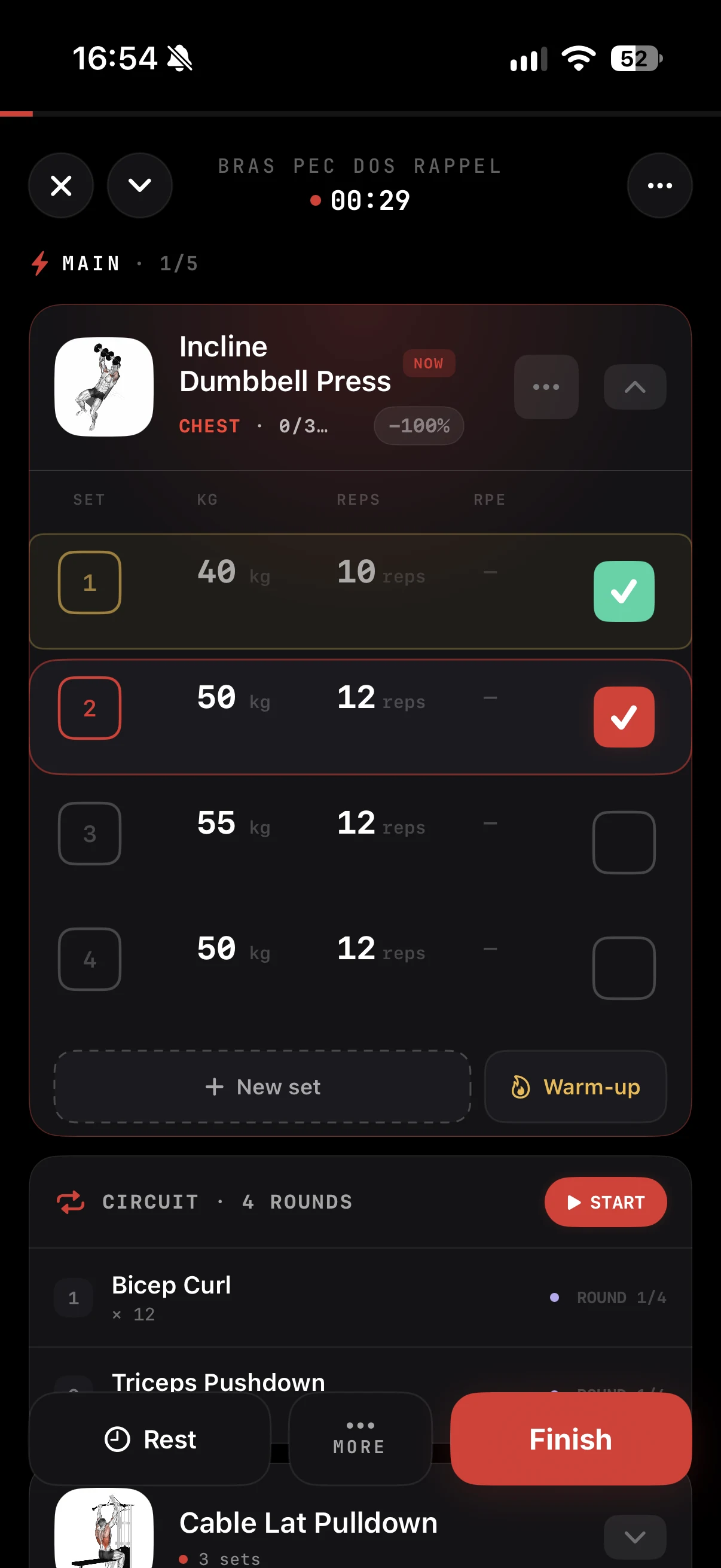
1. The rest timer starts automatically. Nothing to configure. The moment you confirm a set, the countdown begins, using the rest defined in your program or the one you set once.
2. The screen gets out of the way. You see the timer, the pre-filled next set, and nothing else. ZON doesn't ask for anything until rest is over.
3. Your wrist tells you when to go. At the end of rest, a haptic buzz arrives on your iPhone or Apple Watch. Look at the bar, not your phone. The timer also follows you on the Lock Screen through Live Activity.
4. Your next set is ready. Weight and reps from the previous set are pre-filled. Same load? Confirm in one tap. Going up or down? Adjust in seconds. Add RPE if you track it.
Rest timers per exercise
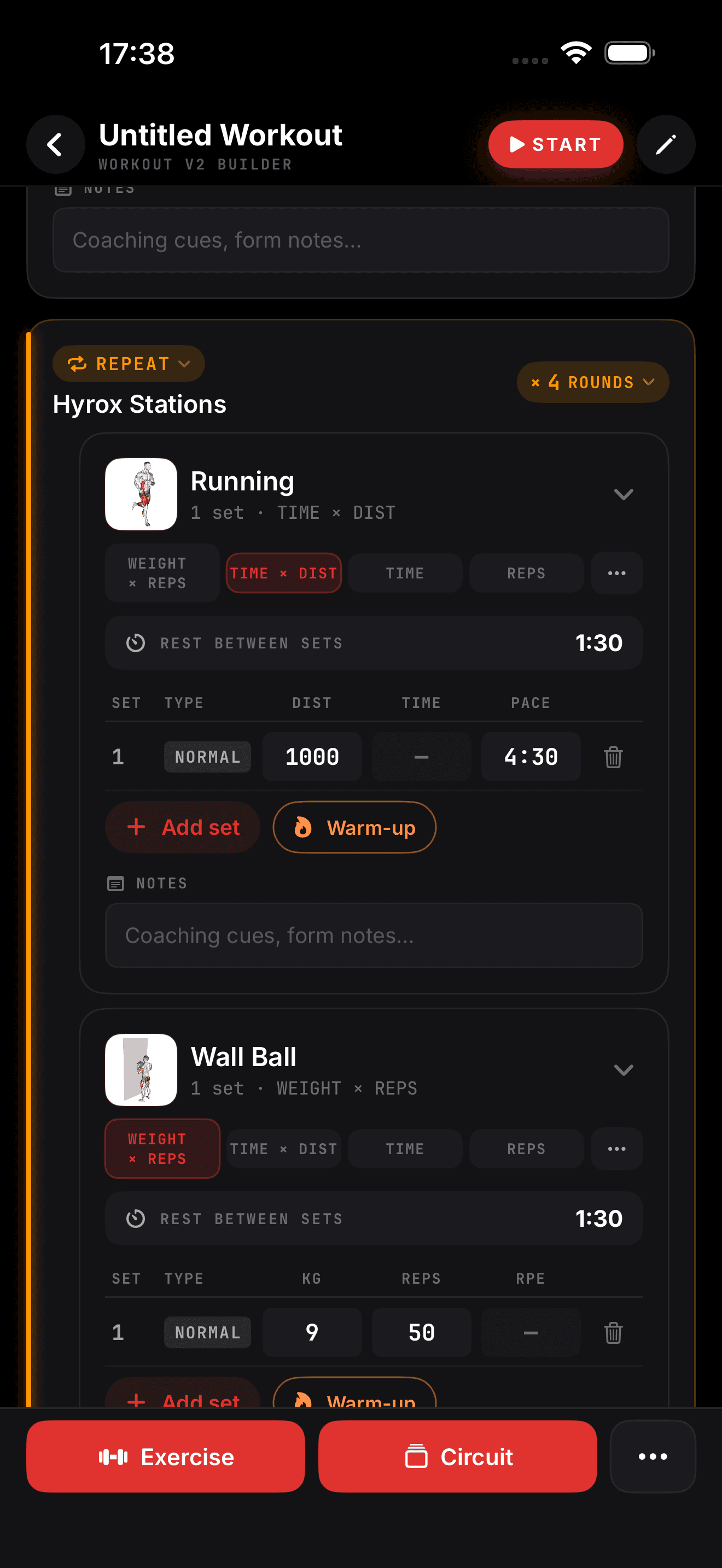
Smart Sets doesn't use a single global timer. Heavy squats can get 3 minutes and curls 90 seconds. ZON applies the right rest for the current exercise, and you can add or remove time on the fly.
Result: denser sessions
By removing the micro-friction between sets, Smart Sets keeps your rest honest and your focus on the work. Same sets, same intensity, less time lost to your phone.
In the ZON app on iPhone. Android is in beta: join the waitlist at justzon.com/android-waitlist.