Technique is a skill you can measure
Load goes up when technique holds. The problem is that you cannot see yourself from the side mid-rep, and a video on its own does not tell you what to change. AI form check turns that clip into feedback you can act on.
How it works
1. Capture the set
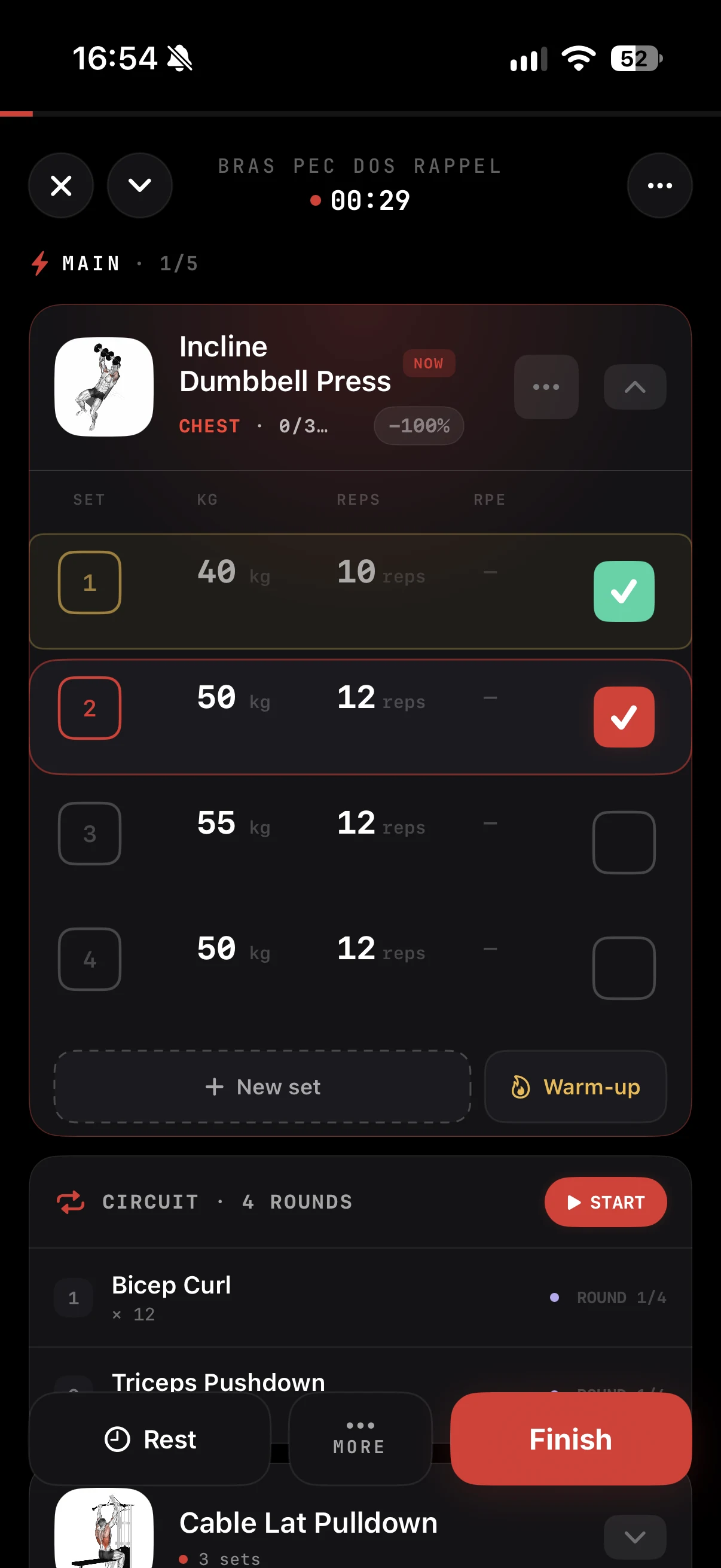
From the set in your workout, record the attempt or pick a video you already filmed. The form check lives inside the session, so the habit sits next to the training you already log.
2. The AI breaks it down
ZON analyzes the movement and looks at what matters for the lift:
- Depth: did you reach the range the movement calls for
- Joint angles: knees, hips and torso through the rep
- Bar path: how straight and consistent the bar travels
3. Read your feedback
You get a form score and a short list of cues, split into what went well and what to fix. Plain language, focused on the next set, for example "depth in range", "bar path: minimal drift" or "hinge slightly earlier".
Saved where it belongs
Each clip and its feedback are stored next to the set in your log. Open the session later and the video is right there with the weight and reps. Film the same lift a few weeks apart and you can see whether a cue actually stuck.
When to use it
- Heavy top sets, where technique breaks down first
- New movements, to lock in the pattern early
- After a technique change, to confirm the fix holds under load
- Before a PR attempt, to check you are ready
Filming tips
For the clearest analysis, film from the side at hip height, keep your whole body and the bar in frame, and use good light. A stable phone beats a handheld shot.
In the ZON app on iPhone. Android is in beta: join the waitlist at justzon.com/android-waitlist. Part of ZON Pro.