Your program should not live in your camera roll
Great programs come from everywhere: a book, a coach's handout, a PDF you bought, a spreadsheet a training partner shared, a whiteboard photo. None of them were made to be trained from a phone between two sets.
Magic Import closes that gap. You bring the source, ZON builds the plan.
How Magic Import works
1. Bring the source
Take a photo of a printed program, upload a PDF, drop in a screenshot, or paste plain text. Multi-page documents and several images are fine.
2. ZON reads the structure
Magic Import recognizes how the program is organized, not just the words on the page:
- Weeks and days, including the order of sessions
- Exercises, matched to the ZON exercise library
- Sets, reps and loads, including percentages and target RPE when they are written
- Rest periods and notes attached to each exercise
3. Review, adjust, save
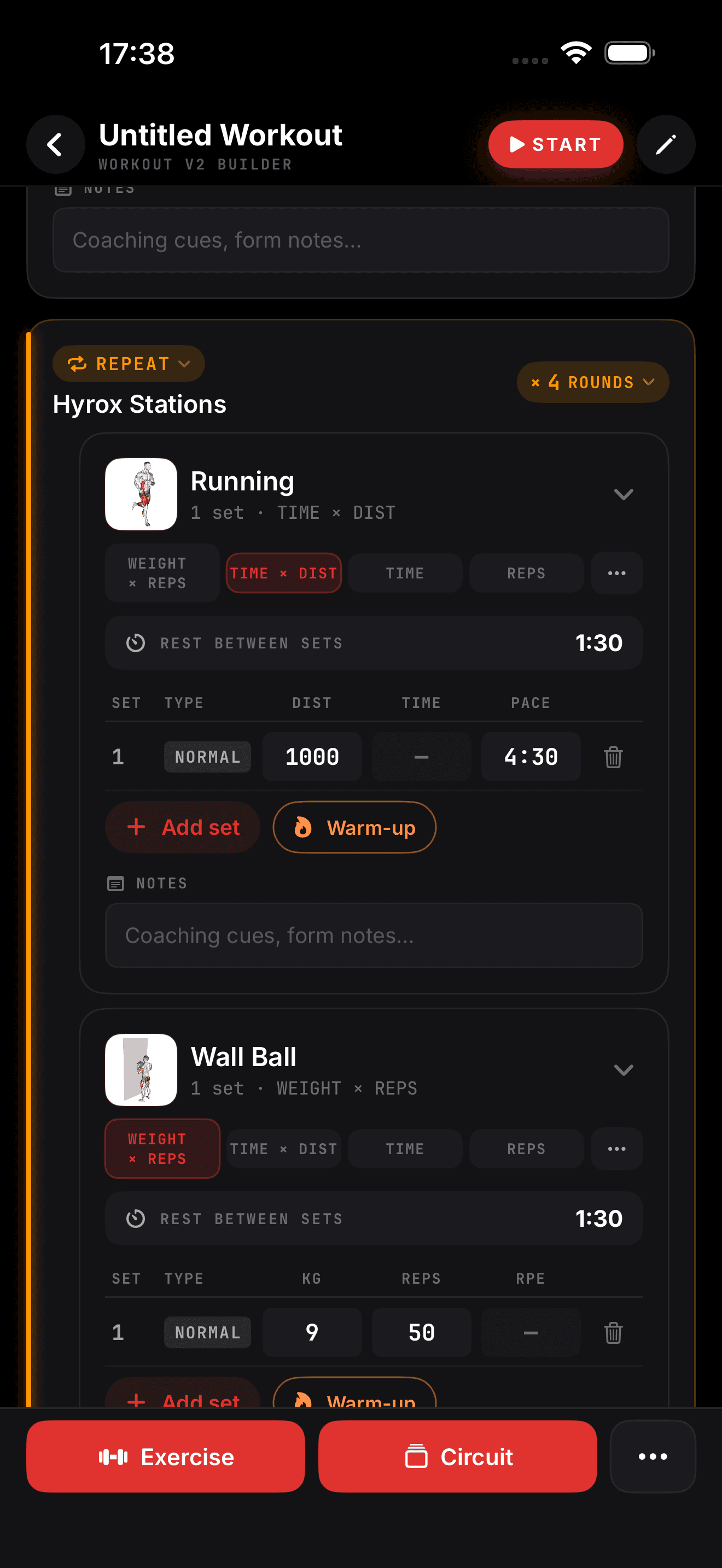
The result lands as a regular ZON program. Rename a session, swap an exercise, fix a load: you edit it in the same builder you use for your own programs. Nothing is saved until you are happy with it.
Then you just train
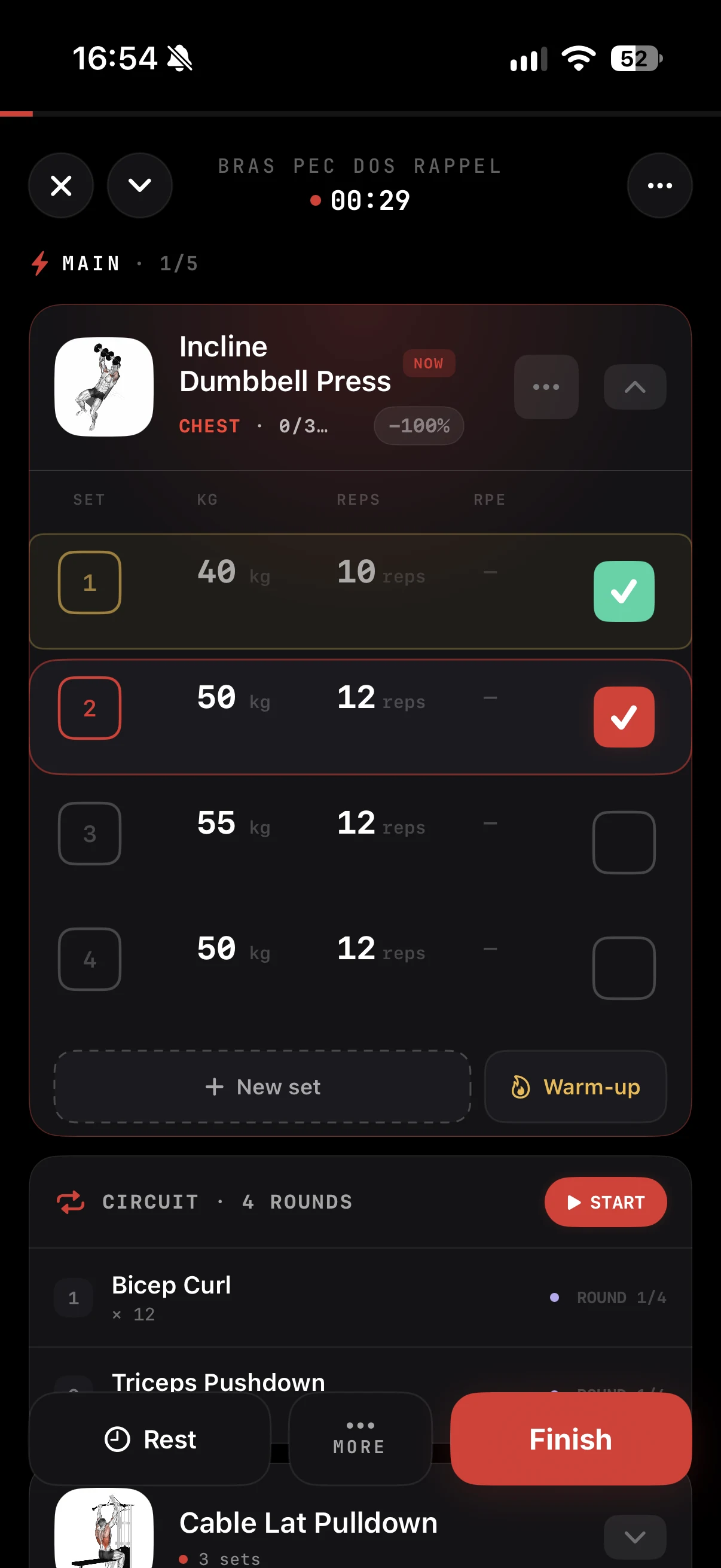
Once imported, the program behaves like any plan built in ZON:
| Before | After Magic Import |
|---|---|
| Zooming into a PDF mid-session | Today's session opens in the workout player |
| Retyping sets and loads by hand | Targets pre-filled, you log in a tap |
| Guessing where you are in the block | Week and day tracked for you |
| Numbers scattered across notes | Every set saved in your history and stats |
Rest timers start on their own, your sets feed your training load and readiness, and your progress shows up in your stats and PR hall.
Built for real-world documents
Programs are rarely clean. Abbreviations, supersets written on one line, handwritten corrections, tables split across pages. Magic Import is built to handle that mess and propose a sensible structure. When something needs a human decision, you fix it in the editor instead of starting over.
In the ZON app on iPhone. Android is in beta: join the waitlist at justzon.com/android-waitlist.