An exercise you are unsure of is a wasted set
Knowing what to do is half the job. Knowing how to do it well is the other half. The ZON library puts clear technique cues on every movement, right where you train.
Find anything in seconds
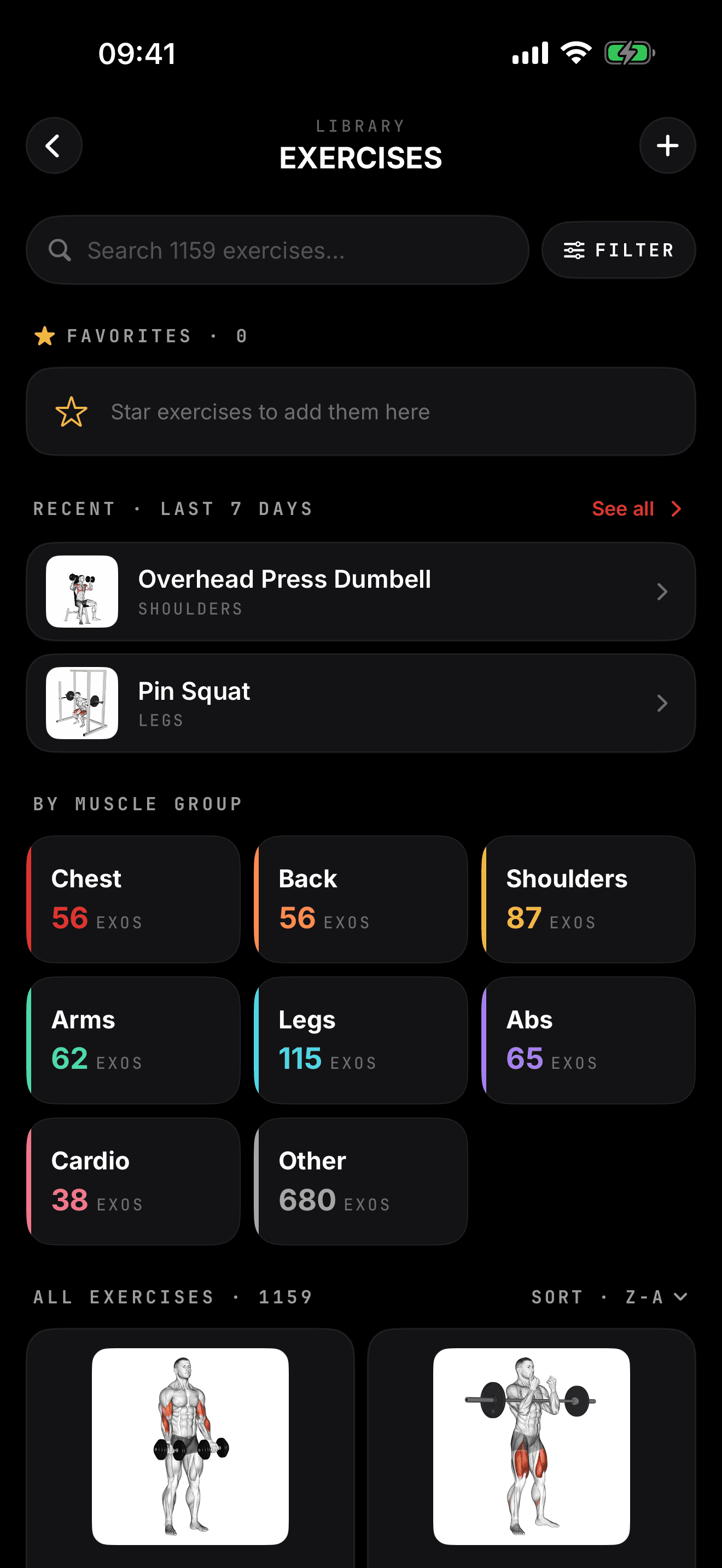
The library holds over 1,000 exercises, grouped the way you think about training:
- By muscle group: chest, back, shoulders, arms, legs, abs, cardio and more
- By equipment: barbell, dumbbell, cable, machine, bodyweight
- By name: type a few letters and the search narrows it down
Recently used exercises sit at the top, and favorites keep your go-to movements one tap away.
What each exercise shows
- Technique cues: the few points that matter for setup and execution
- Primary and secondary muscles, so you know what the movement is working
- Your own history on that exercise once you have logged it
Look it up without leaving the workout
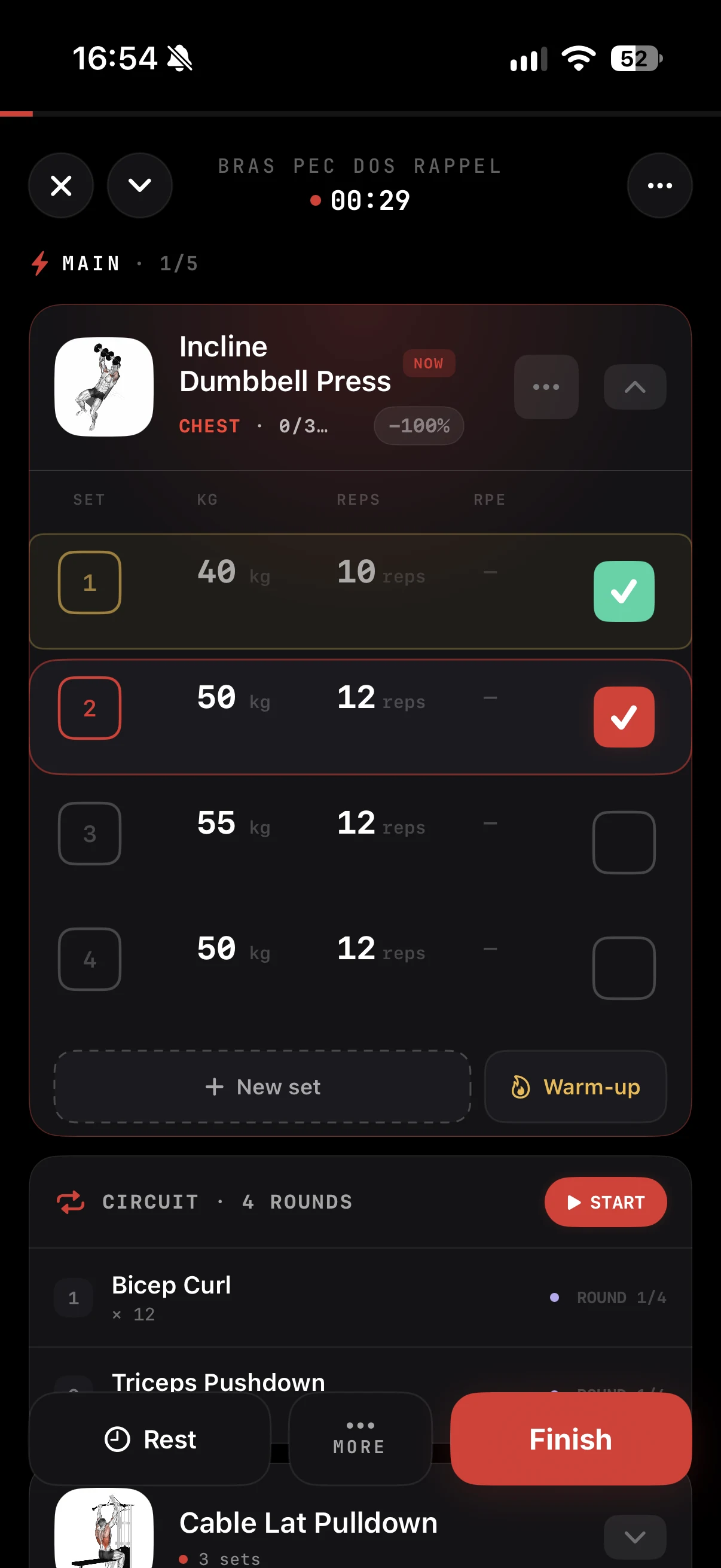
During a session, tap an exercise to open its detail view. Check the cues, glance at the muscles worked, close it, and you are back on your set with the rest timer still running. No switching to a video app, no lost place in the session.
Add your own exercises
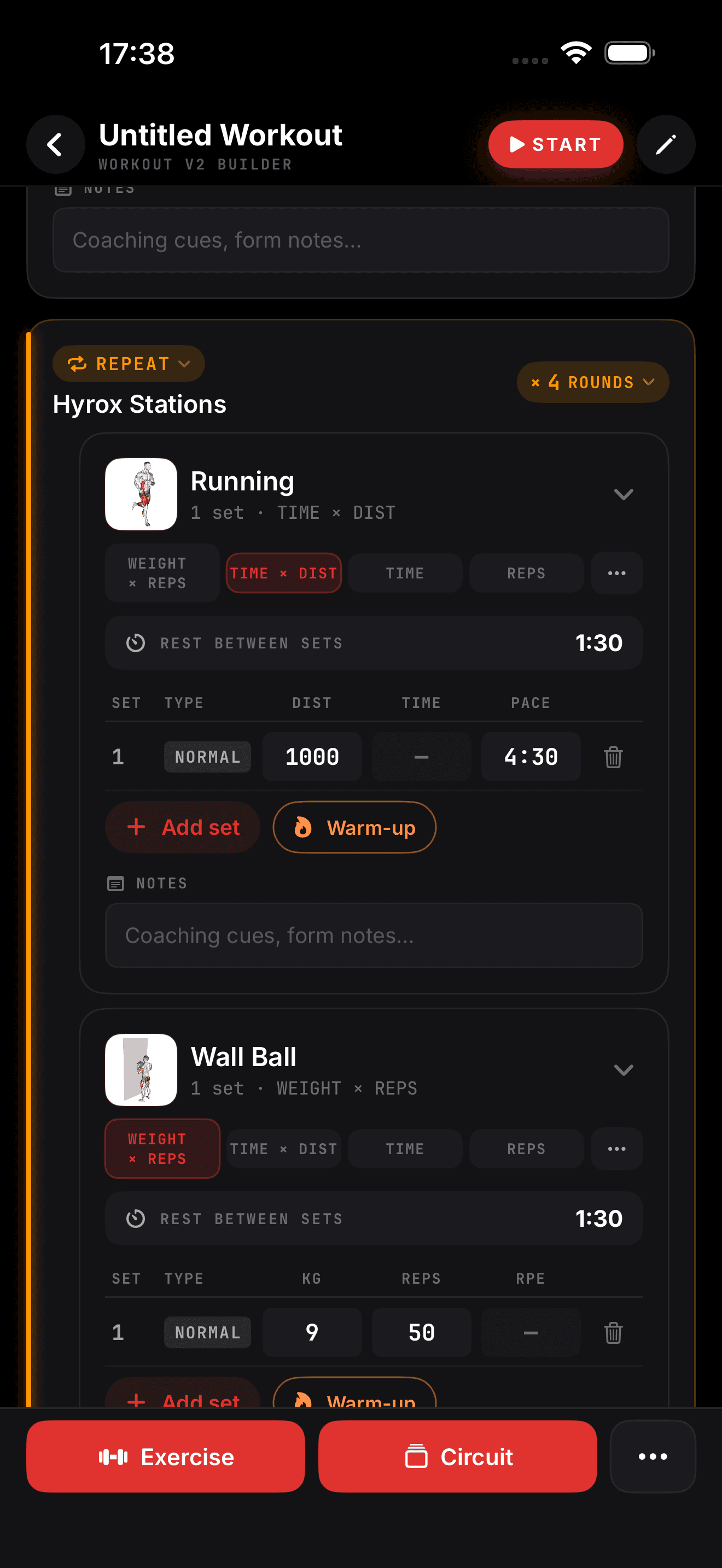
Your training includes moves no database has: a specific banded warm-up, a sled variation, a rehab drill from your physio. Create a custom exercise with its name, muscles and your own notes, and it works like any other exercise: in the builder, in the workout player, in your stats.
Connected to the rest of ZON
Every exercise in the library plugs into the rest of the app:
| Where | What the library brings |
|---|---|
| Program builder | Pick exercises straight from the library |
| Magic Import | Imported exercises matched to library entries |
| Workout player | Cues available on every set |
| Stats and muscle map | Volume credited to the right muscles |
That is why the muscle map knows what you trained: every set is tied to an exercise that knows which muscles it works.
In the ZON app on iPhone. Android is in beta: join the waitlist at justzon.com/android-waitlist.