ACWR, the metric professional sport relies on
The Acute:Chronic Workload Ratio compares your recent training load (the last 7 days) with what your body is used to (the rolling 28-day average). Ramp up faster than your chronic base and the ratio climbs. That jump is where overuse injuries tend to show up.
- 0.8 to 1.3: the sweet spot, you are building fitness at a pace your body can absorb
- Above 1.5: high risk, load is rising much faster than your base
ZON calculates it for you after every session. Nothing to enter, nothing to compute.
How ZON measures your load
Each completed session gets a training load built from what you actually did:
- Volume: sets, reps and weight lifted
- Duration of the session
- Intensity: the RPE you logged
- Effort type: strength, running, conditioning or mixed
Because runs and lifts are logged in the same app, they land in the same load. A hybrid week with intervals on Tuesday, heavy squats on Wednesday and a long run on Saturday is finally counted as one week, not three separate stories.
See where you stand
In your stats, ZON shows your acute load, your chronic load and the ratio between them, with the zone you are in and what it means. You see the trend week after week, so a steady build looks steady and a spike stands out immediately.
The consistency heatmap
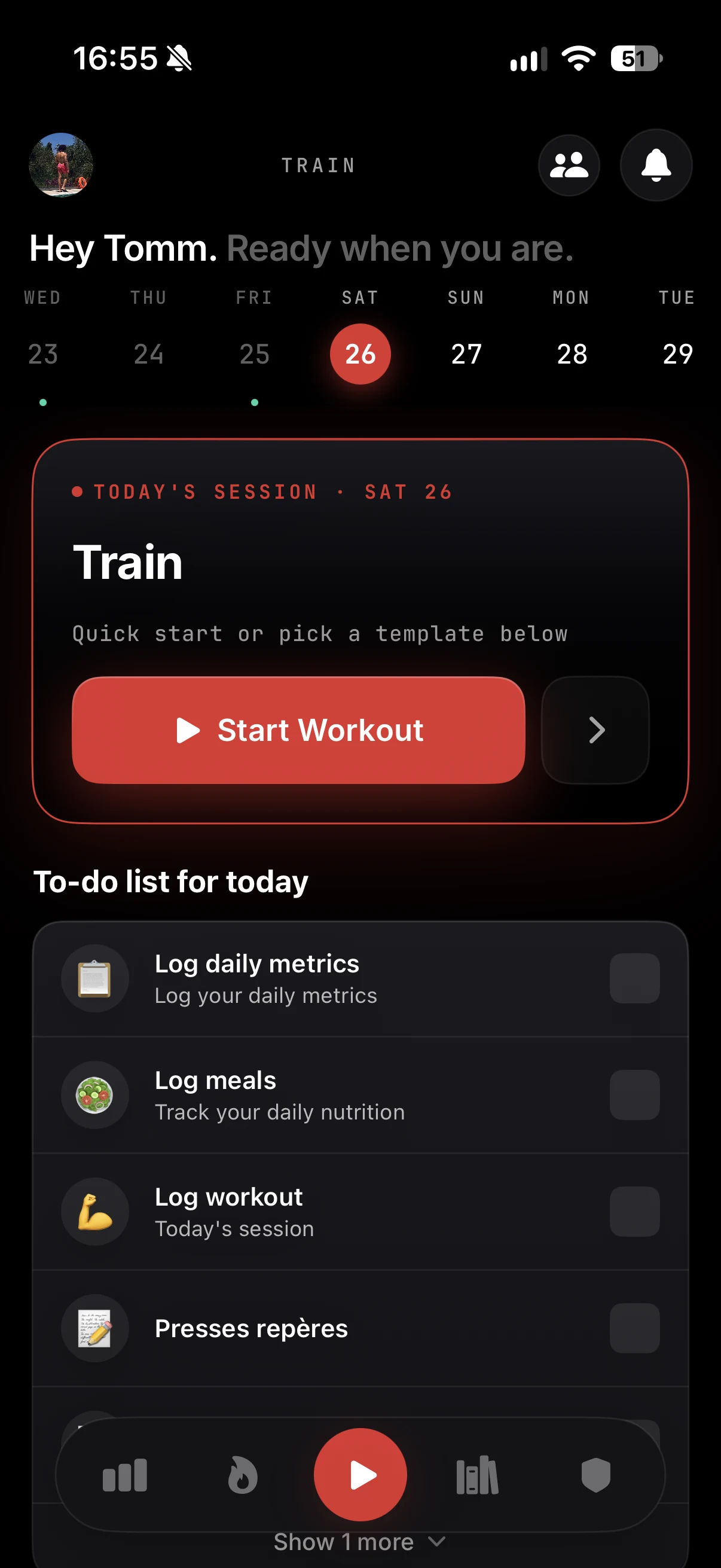
Next to your load, a yearly heatmap shows every day you trained. Strong weeks, gaps, the dip that always follows a hard block: your regularity becomes visible at a glance.
Load meets recovery
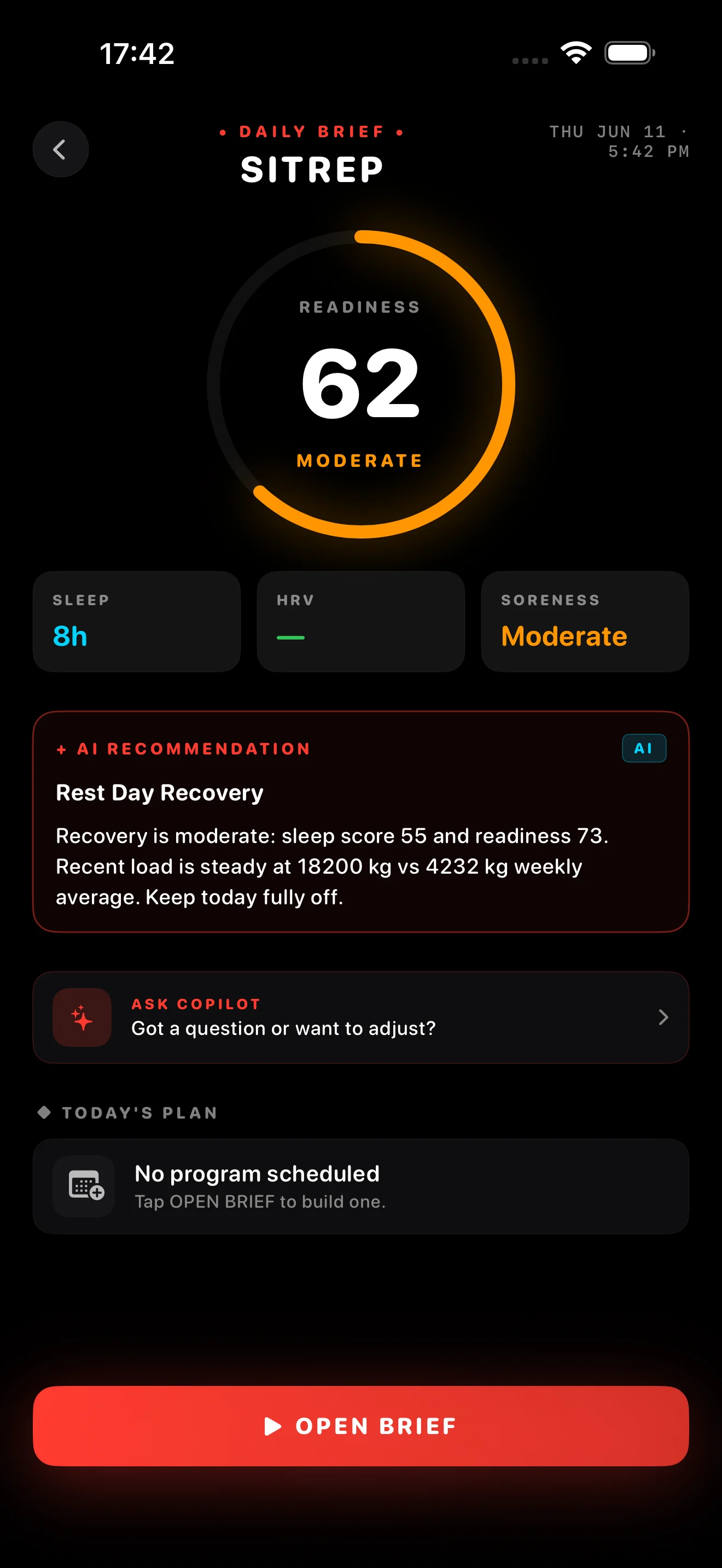
ACWR measures what you did. Your body's response is the other half. Every morning ZON combines your training load with sleep, HRV and soreness into one daily readiness score, with a clear call:
- Push: load is under control and you recovered well
- Hold: train, but keep the intensity in check
- Recover: the numbers say rest or go easy today
A green ratio with poor sleep and high soreness is not a green light. A slightly high ratio with great recovery signals means you are adapting. Reading both together is what turns data into a decision.
In the ZON app on iPhone. Android is in beta: join the waitlist at justzon.com/android-waitlist.