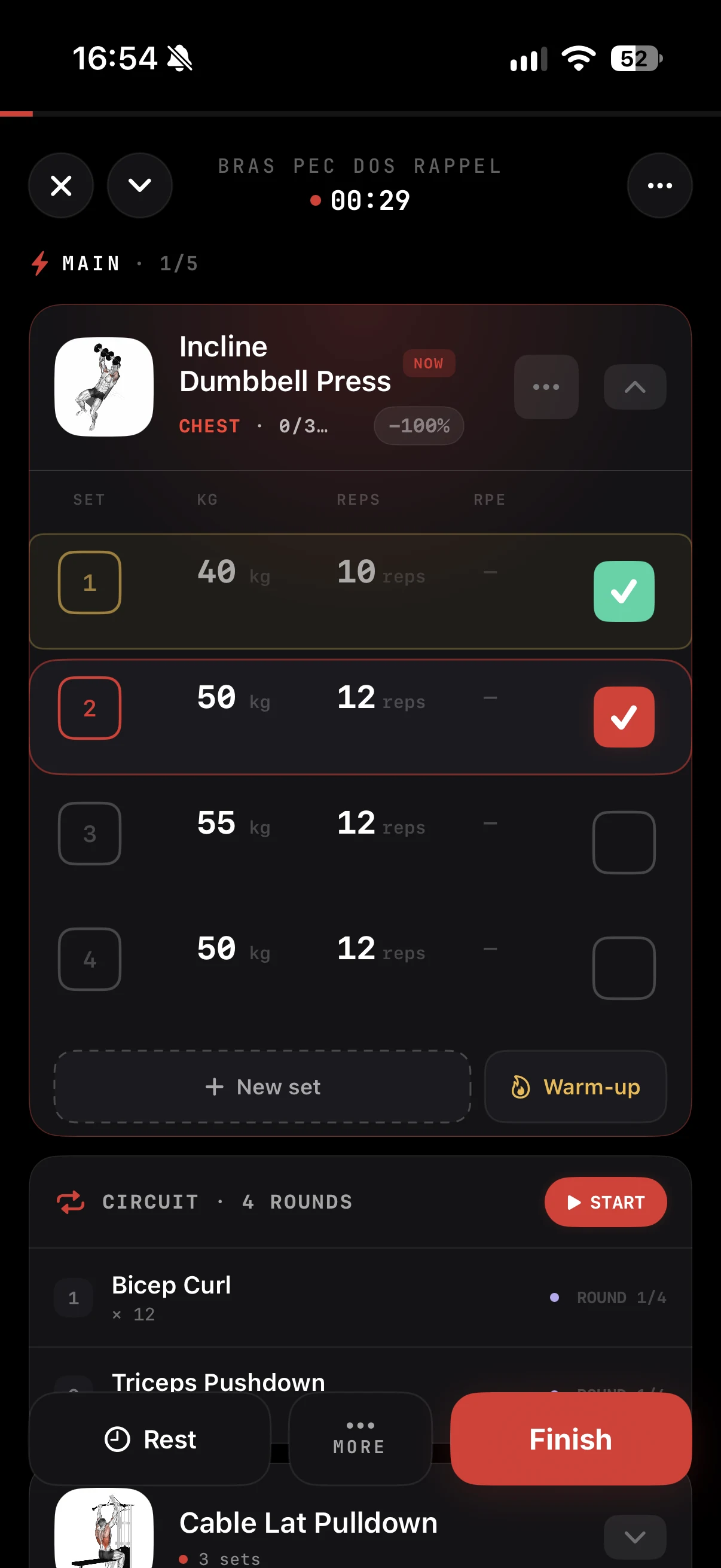
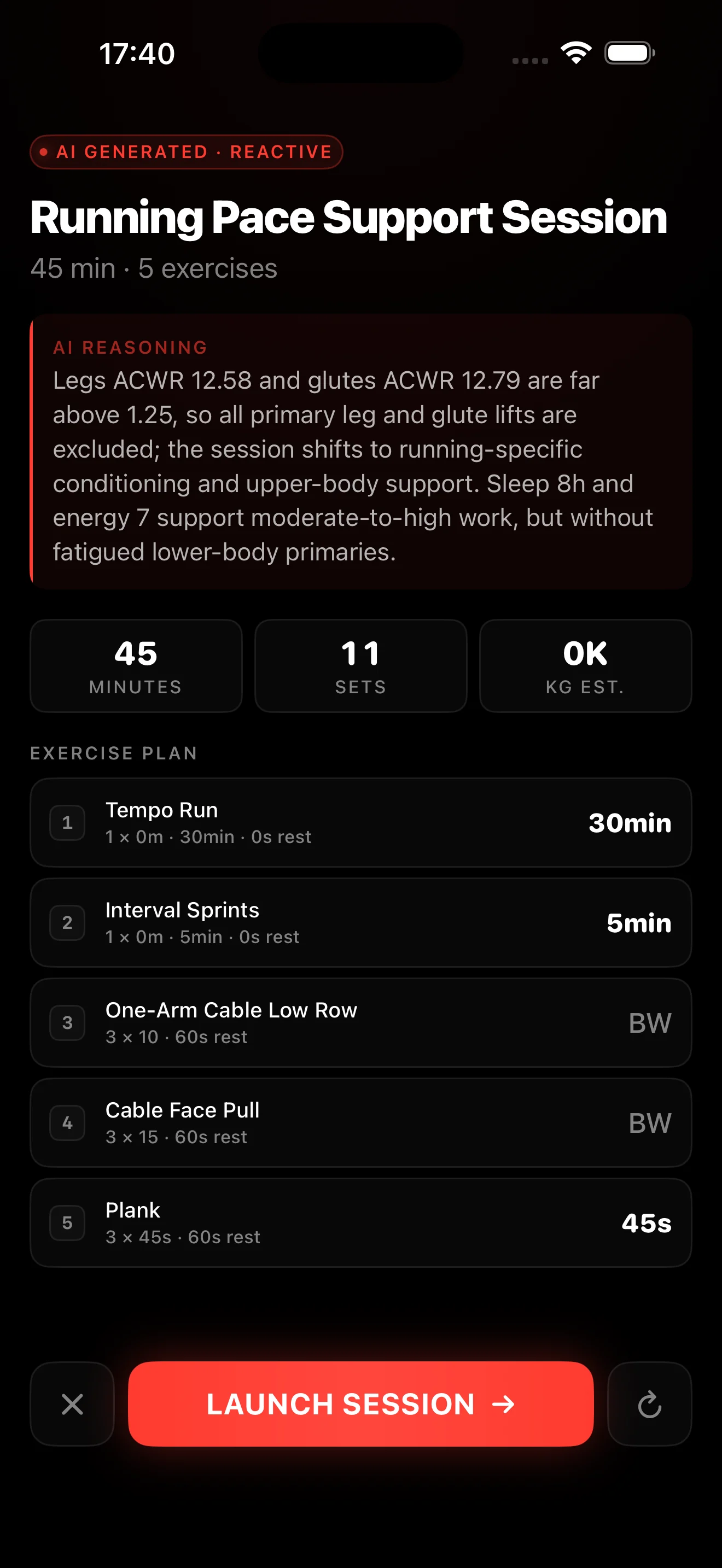
Open almost any fitness or health app in 2026 and there is a coach inside it: something that answers training questions, tells the user whether to push or rest, and adjusts the plan when life gets in the way. Users have started to expect it. So if you build a fitness, health or coaching app, the useful question is no longer whether to add AI coaching, it is how to add it well: what the feature actually is, what it honestly costs to build, and whether you should build it or buy it.
This guide is written for the person doing the work: a developer or a founder who already has an app, already stores workouts and maybe some recovery data, and wants to add coaching features without hiring a machine learning team. We define the feature in plain terms, walk the build path and the buy path with their real tradeoffs, and end with how we expose the coaching engine we run in our own production app.
- Users now expect an AI coach. For a builder, the question isn't "should I add it" but "how do I add it well."
- "AI coaching" is really 4 features: a conversational coach, readiness briefs, adaptive programs and session analysis.
- Building it yourself is a product in itself: data plumbing, model evaluation, guardrails, cost control and permanent maintenance.
- Buying a coaching API ships it in days: you send data you already store, you get back a narrative, a machine-readable recommendation and a confidence value. No ML team, no camera.
What AI coaching actually means
"Adding AI" means nothing until you break it into concrete features a user sees and uses. In a fitness or health app, AI coaching almost always comes down to four building blocks. Understand them and you know exactly what you are building, or buying.
| Feature | What it does for the user |
|---|---|
| Conversational coach | Answers training questions in the context of the user's own history, like texting a coach who never forgets. |
| Readiness / recovery brief | A short daily read on whether to train hard, go easy or rest, from sleep, load and how recent sessions went. |
| Adaptive program | Builds a plan and reshapes it as the user progresses or misses sessions, instead of a static PDF. |
| Session analysis | After a workout, a structured debrief: what was done, how it compares to the plan, and what to adjust next. |
These four blocks cover most of what people mean by "AI coach." They share a useful trait: each one starts from data your app already holds (sessions, loads, runs, sleep) and produces either text a user reads or a decision the app applies. That shift is also why the topic matters so much to human coaches, which we covered from the market side in your clients use ChatGPT for programming.
The build path (and why it is harder than it looks)
From a distance, building any one of these features looks like "call a model with a prompt." It isn't. Here, without any drama, is the real work that sits between a raw model and a coaching feature your users can trust.
Data plumbing
You have to collect, normalize and shape training and recovery data (sets, reps, loads, runs, sleep) into a form a model can actually reason over. Most apps store this data to display it, not to reason about it.
Choosing and evaluating models
Picking a model is easy. Knowing whether its coaching outputs are good takes a real evaluation harness. "Looks fine" is not evaluation; you need test cases and a repeatable way to measure quality.
Prompt engineering
Turning coaching logic into instructions that hold up across thousands of edge cases (the beginner, the injured user, the one who skips three weeks) is its own body of work, and it never really stops.
Output structure and validation
Your app needs machine-readable output, not a free paragraph. So you enforce a structure, then validate it: a malformed response must never crash a screen or push a nonsensical recommendation.
Safety guardrails
A coaching model must not tell an injured user to add load, or hand out medical advice. You need refusal and clamping logic, tested, or the risk lands on you.
Cost control
Every request has a cost. Without caching, rate limiting and per-user tracking, one viral week can blow up your bill before you even notice.
Ongoing maintenance
Models change, versions get deprecated, quality drifts. Someone owns this forever: it is not a feature you ship once, it is a feature you maintain.
None of this is impossible, and if coaching logic is the core of what you are building, you should build it. Just be honest about the scope: it is a product inside your product, several months of an ML-literate team's time, and a thing that never really "ships." For as long as the feature lives, someone owns the evals, the cost and the safety.
The buy path: a fitness coaching API
The alternative is to treat coaching as infrastructure and call a fitness coaching API, the same way you already call a payments API instead of writing your own card processor.
The contract is simple. You send the training and recovery data you already store (sets, reps, loads, runs, sleep, whatever you have). You get back, in one response, structured coaching: a human-readable narrative you can show the user, a machine-readable recommendation your app can act on (adjust load, swap a session, flag recovery), and a confidence value so you decide when to surface it and when to hold back.
On the integration side, it is an HTTP call: no ML team, no evaluation harness to maintain, and no camera or pose tracking. A coaching API reasons over the data you already have, not over video. The honest tradeoff: you do not own the coaching logic and you take a dependency on a vendor. Two things soften that. The output is structured, so you fully own the user experience and wrap the recommendation in your own product. And a real free tier lets you validate quality on your own data before you commit or spend.
CoachLayer: the engine we run, exposed as an API
This is where we come in, and we will be upfront about the bias: CoachLayer is ours. It is not a demo we cobbled together to pitch an API. It is the coaching engine we built for our own production fitness app, the one real athletes use every day, now exposed behind a single API key. The endpoints are production-tested because they run in production, against real training data, not against a benchmark we curated ourselves.
Behind that key, eight production-tested coaching endpoints cover the four feature families above: the conversational coach, readiness and recovery briefs, adaptive program generation and session analysis. Every response follows the same shape: a narrative, a machine-readable recommendation, a confidence value. You send data, you get coaching back. We do not publish the models or the prompts behind the endpoints: that is exactly the part we maintain so you don't have to. What we publish is the contract (inputs, outputs, confidence), and you can judge it on your own data.
Start free: the sandbox gives you 300 credits a month, no card and no sales call. Enough to wire an endpoint into your app and judge the output on your own users' data. When you want to go deeper, we wrote an honest build vs buy comparison and a breakdown of what a fitness coaching API costs.
Add an AI coach to your app with CoachLayer
Eight production-tested coaching endpoints behind one key. Free sandbox: 300 credits a month, no card, no sales call.
Closing
Adding AI coaching isn't "plugging in an AI." It is shipping four specific features from the data your app already holds. You can build them, if coaching is the core of your product and you carry the evaluation, safety and cost over time. Or you can buy them and be live in days. Most teams starting from an existing app are better off beginning with an API, then bringing it in-house later if it makes sense. If you are on the fence, our build vs buy comparison frames the decision, and the free sandbox lets you settle it on your own data instead of on a promise.